
Product profile

Save your product's voice, audience, and key facts once. Every campaign brief you generate afterward reuses it, instead of you re-explaining what you're promoting each time.
A product profile is a saved description of what you're promoting: the product or repo, who it's for, what makes it worth a genuine mention, tone, and any facts or numbers that should stay consistent across campaigns — star count, user count, pricing, launch date.
Set it up once under your product's settings, then every campaign brief the AI drafts pulls from it automatically. You can run a GitHub-stars campaign for a repo and a sign-ups campaign for the SaaS product it powers, each with its own profile, without cross-contaminating the voice or facts between them.
This is also where you keep the specific angle that makes your product worth an influencer's time — the actual problem it solves, who it's genuinely useful for — so every generated brief leads with something real instead of generic marketing language.
Frequently asked questions
What is a product profile used for?
It's a saved description of your product, audience, tone, and key facts that every campaign brief you generate reuses, so you don't re-explain what you're promoting on every new campaign.
Can I run campaigns for more than one product?
Yes — create a separate product profile per product, app, or repo, and pick which one a campaign brief pulls from.
Does the profile keep facts like star count or pricing accurate?
You keep it accurate by updating the profile when facts change — the AI uses whatever is currently saved there, so a stale profile produces a stale brief. Update it before a new campaign if numbers have moved.
Related features
View all features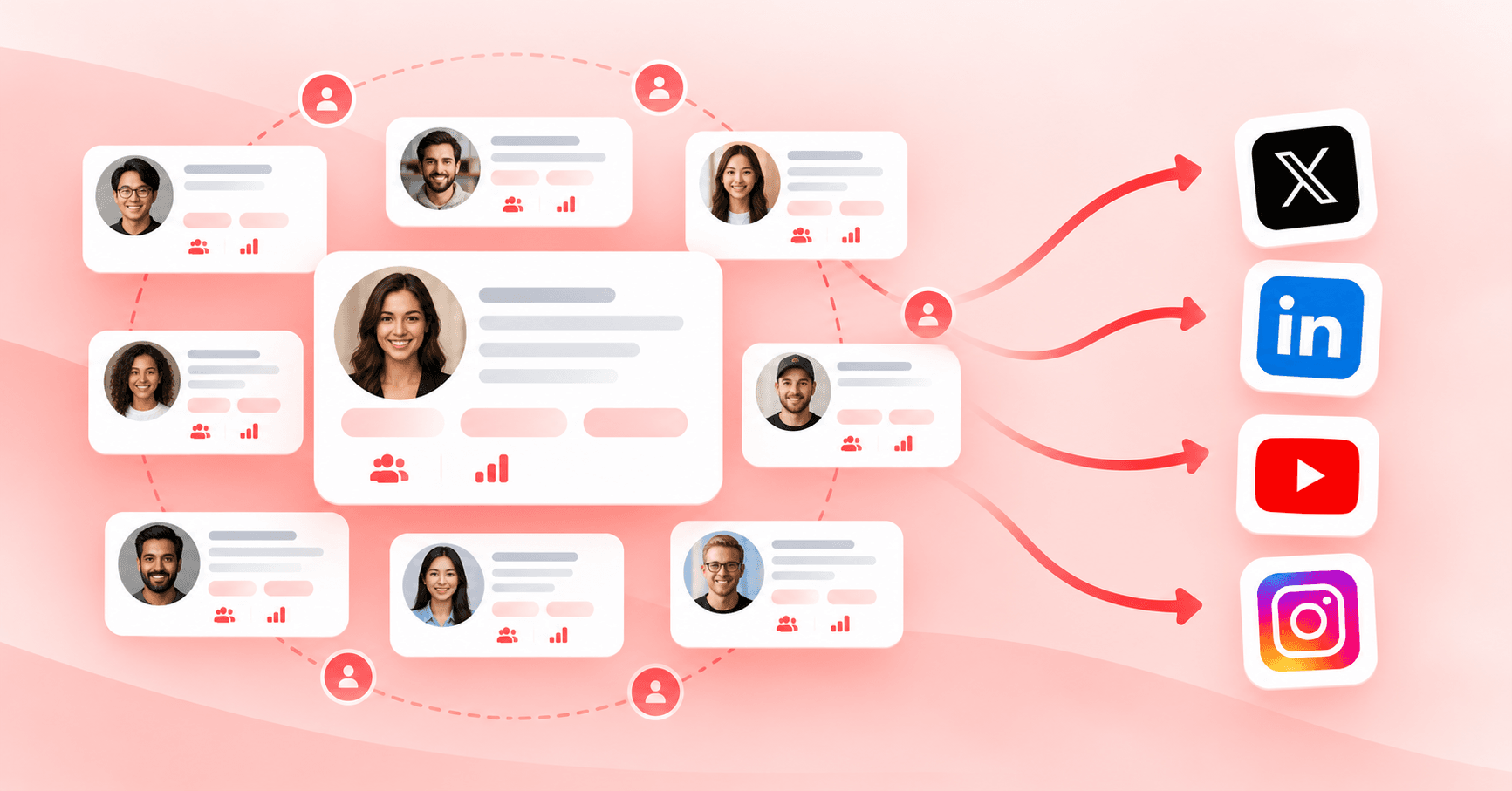
Feature
Influencer network
Browse real influencers and creators on X, LinkedIn, YouTube, and Instagram by niche and audience size. Every profile is opted in and posts to their own genuine audience.
Feature
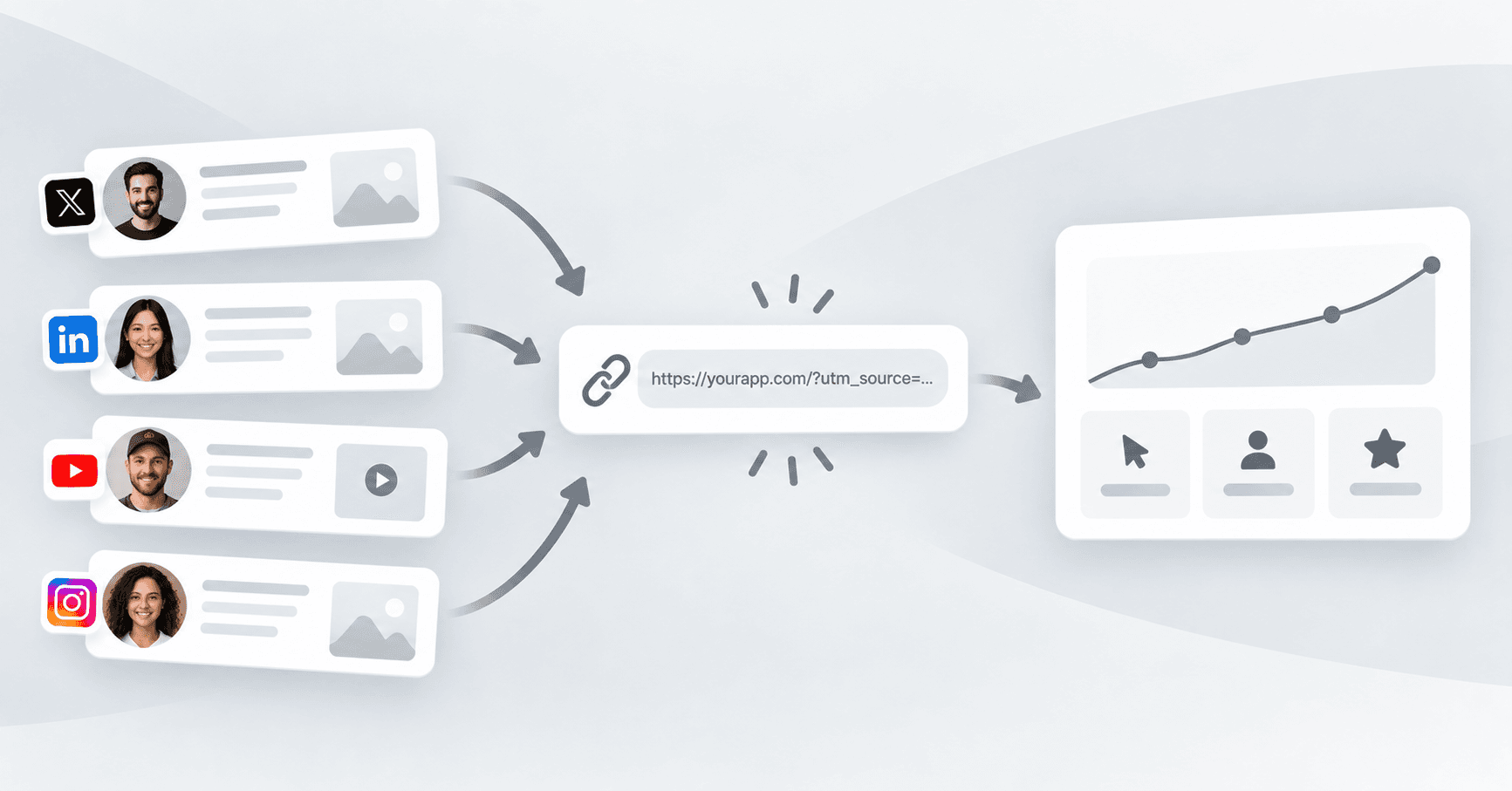
Tracked campaign links
Every influencer gets a unique tracked link with UTM parameters, so you can see exactly what each deliverable drove — clicks, sign-ups, or stars — instead of guessing which post worked.
Read our blogs
View all posts
Growth
How One B2B SaaS Founder Used Genuine Influencer Marketing to Reach 10 Paying Customers Organically
No customer database, no audience, and every personal contact already asked. How one founder used niche creators on Amplibee to go from 2 to 10 paying customers — with no ads and no bought engagement.
Marketing
Why Cross-Posting Tools Like Postiz and Hootsuite Aren't Enough to Grow Fast
Schedulers like Postiz and Hootsuite are great at distributing posts to the audience you already have. Fast growth needs new, real audiences — which is where genuine influencer marketing comes in.