
Tracked campaign links
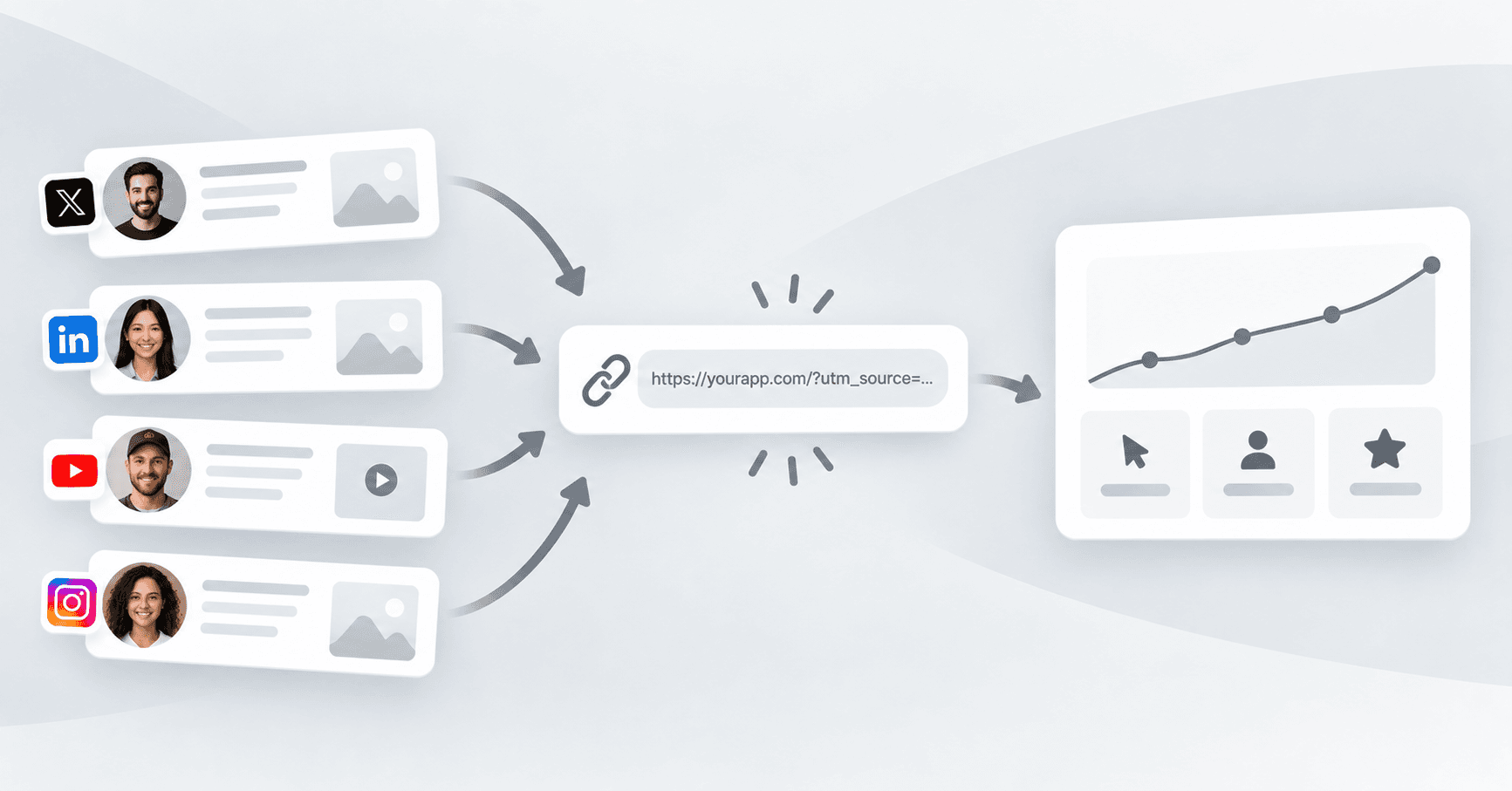
Every influencer gets a unique tracked link with UTM parameters, so you can see exactly what each deliverable drove — clicks, sign-ups, or stars — instead of guessing which post worked.
When an influencer joins a campaign, they get their own tracked link back to your product, launch page, or GitHub repo. It's unique to them, carries UTM parameters you control, and lets you see what that specific post, video, or story actually drove.
This is what makes it possible to tell genuine influence apart from noise: instead of one campaign-wide number, you get per-influencer data — which creator's audience actually clicked through, signed up, starred the repo, or downloaded the app. That's useful for the current campaign and for deciding who to work with again.
Influencers submit their deliverable link as proof once they've posted, and the campaign metrics roll up from there — see reviewing every deliverable for how that submission gets checked before it counts.
Frequently asked questions
How do I know which influencer actually drove results?
Each influencer gets a unique tracked link with UTM parameters, so clicks, sign-ups, downloads, or stars attributed to their link are visible per-influencer, not just as one campaign-wide total.
Do influencers need to set up their own tracking?
No — the tracked link is generated for them when they join a campaign. They just use that link instead of a plain one when they post.
Can I see results per channel, not just per influencer?
Yes — since each deliverable is tied to a specific influencer and channel, you can see whether your best results are coming from X threads, LinkedIn posts, YouTube mentions, or Instagram stories.
Related features
View all features
Feature
Campaigns
Brief once, set a goal and a budget type, and reuse the same campaign across every influencer who joins — instead of negotiating and briefing each creator separately.

Feature
Review every deliverable
Every submitted post, video, or story is reviewed before it counts toward a campaign — genuine engagement only, never bots, never fake followers, never manipulated numbers.
Read our blogs
View all posts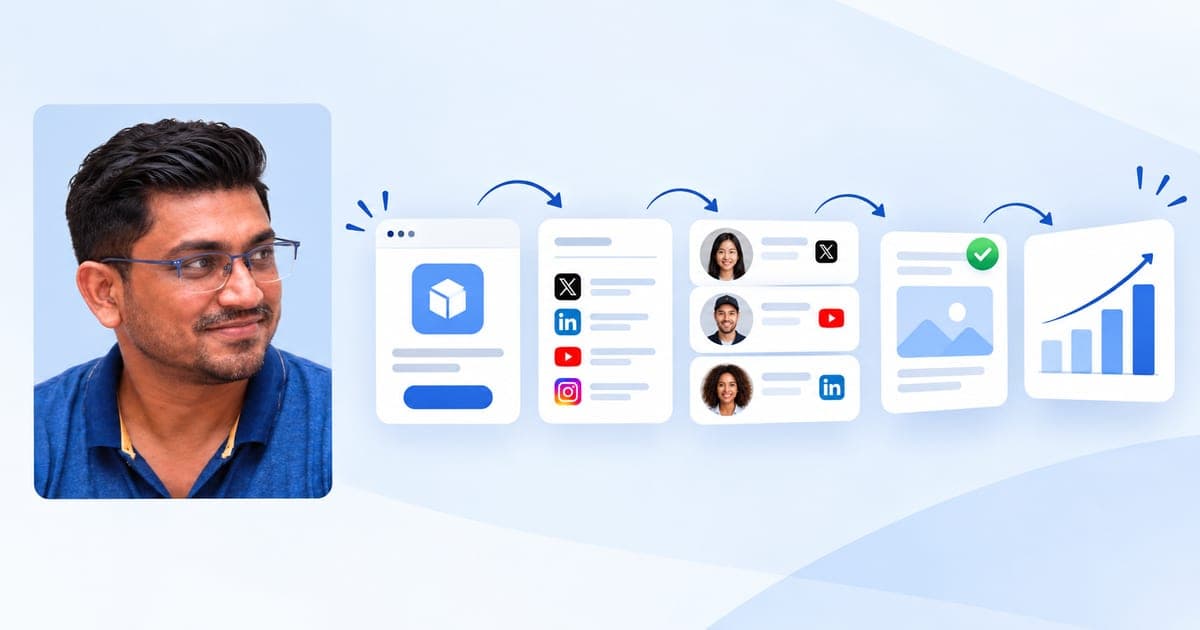
Product
How to Run an Influencer Marketing Campaign for Your SaaS Launch
A practical, step-by-step guide to briefing a campaign, matching with real influencers, reviewing deliverables, and tracking results on Amplibee.

Growth
How One B2B SaaS Founder Used Genuine Influencer Marketing to Reach 10 Paying Customers Organically
No customer database, no audience, and every personal contact already asked. How one founder used niche creators on Amplibee to go from 2 to 10 paying customers — with no ads and no bought engagement.