
Content profiles
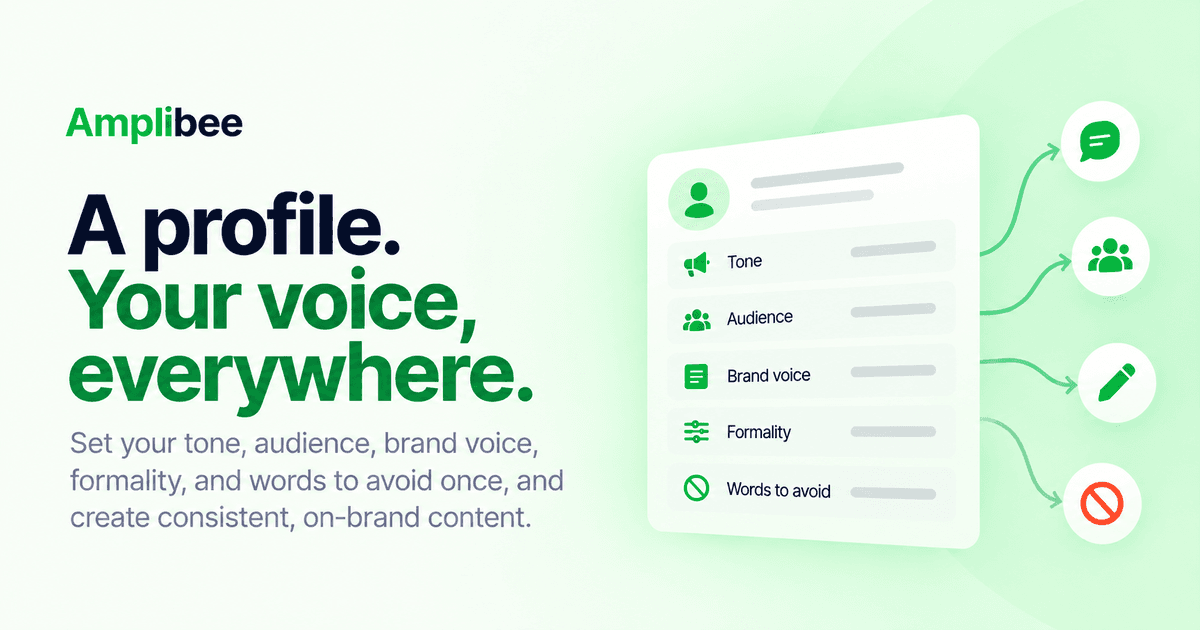
Set your tone, audience, brand voice, formality, and words to avoid once. Save it as a reusable profile so every generated post sounds like you, not a generic AI voice.
A content profile is a saved configuration — tone, audience, brand voice, formality, preferred CTA style, and specific words or topics to avoid — that gets applied automatically whenever Amplibee generates a post on your behalf.
Instead of re-explaining your voice to the AI every time you write, you set it up once in Settings → Content Preferences and pick which profile to use per post or per workflow. You can save more than one profile if you write in different voices for different accounts.
This is also where the words-to-avoid and topics-to-avoid lists live, so generated content stays on-brand without you having to catch it in every review.
Frequently asked questions
How do I make AI-generated posts sound like me instead of generic AI?
Set your tone, audience, brand voice, and formality once as a content profile, then apply it to every generation. That saved context is what stops output from reading like generic AI copy.
Can I use different tones for different accounts or platforms?
Yes — you can save more than one profile and pick which one to use per post or per workflow, so a company account and a personal account can sound different on purpose.
How do I stop AI from using certain words or phrases in my posts?
Add them to the words-to-avoid or topics-to-avoid list on your content profile. It's applied automatically on every generation instead of you catching it manually in review.
Do I have to re-explain my brand voice every time I generate a post?
No. Set it up once in Settings → Content Preferences and every generation that uses that profile applies it automatically.
Related features
View all features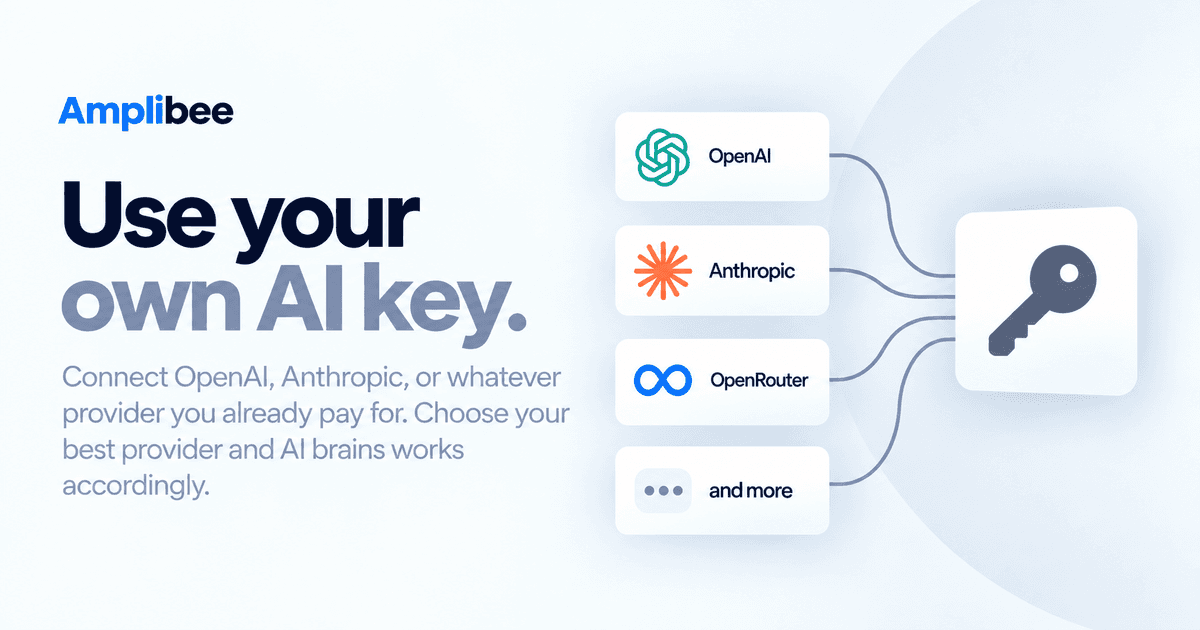
Feature
Bring your own AI key
Connect OpenAI, Anthropic, or OpenRouter with your own API key. Keys are encrypted at rest and never touch the browser. Pick a default provider and model per profile.
Feature
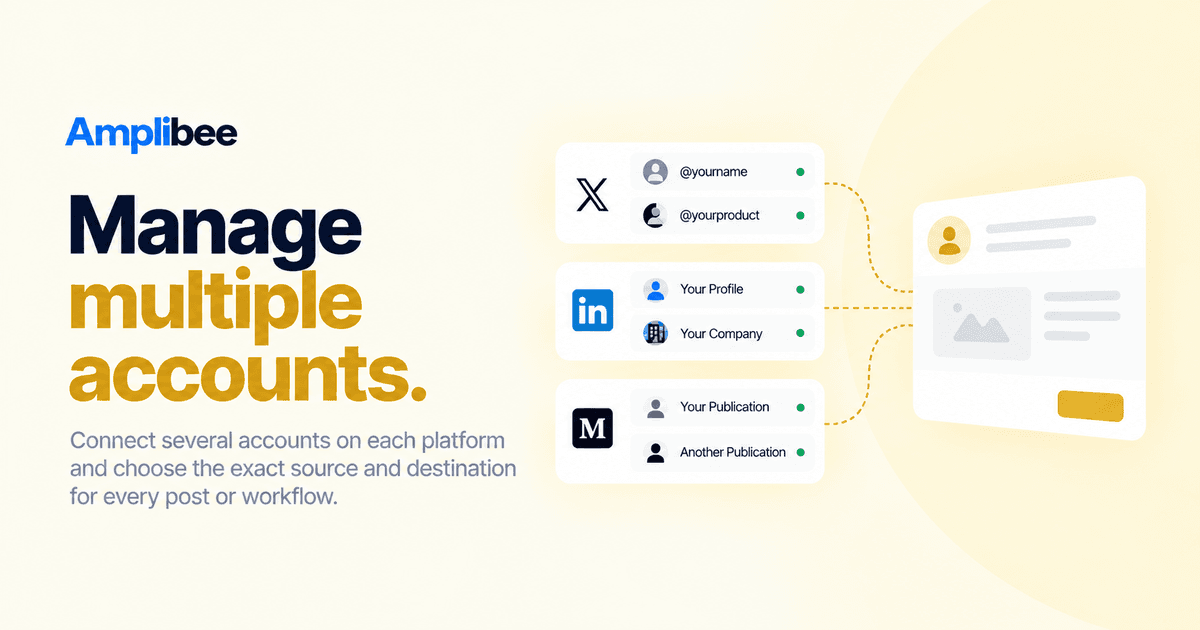
Multiple accounts per platform
Connect several X accounts, a personal LinkedIn profile alongside a company page, or more than one Medium publication — and choose the exact source and destination account per workflow.
Read our blogs
View all posts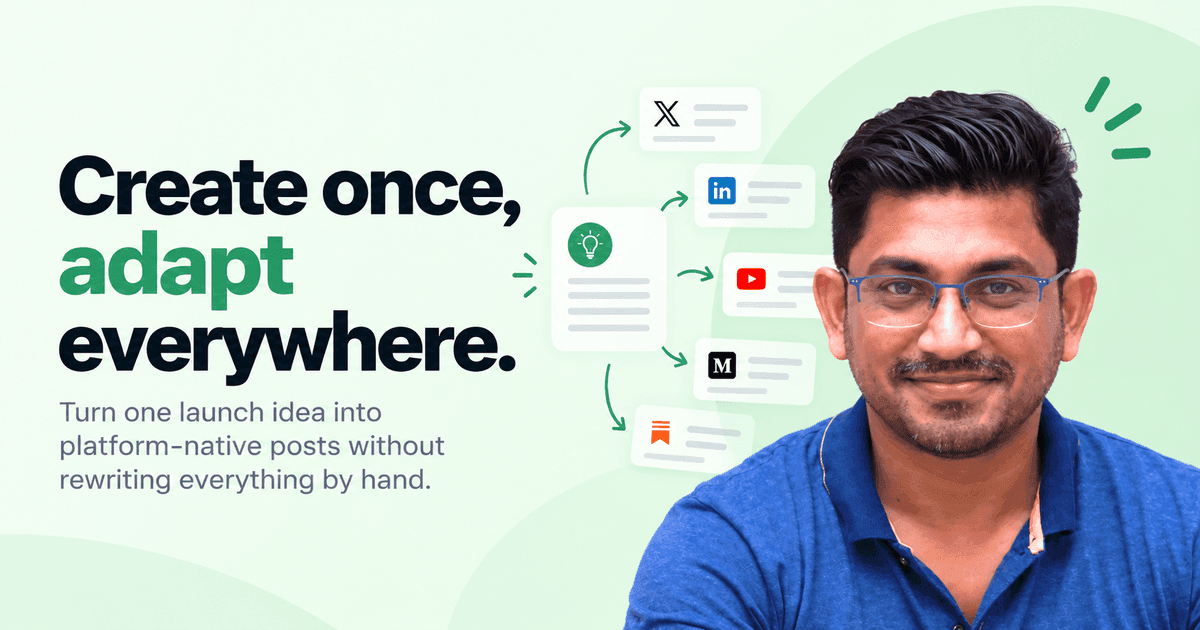
Product
One post shouldn't mean six rewrites
Why we built Amplibee around adapting content per platform instead of duplicating it, and what 'platform-native' actually means in practice.
Growth
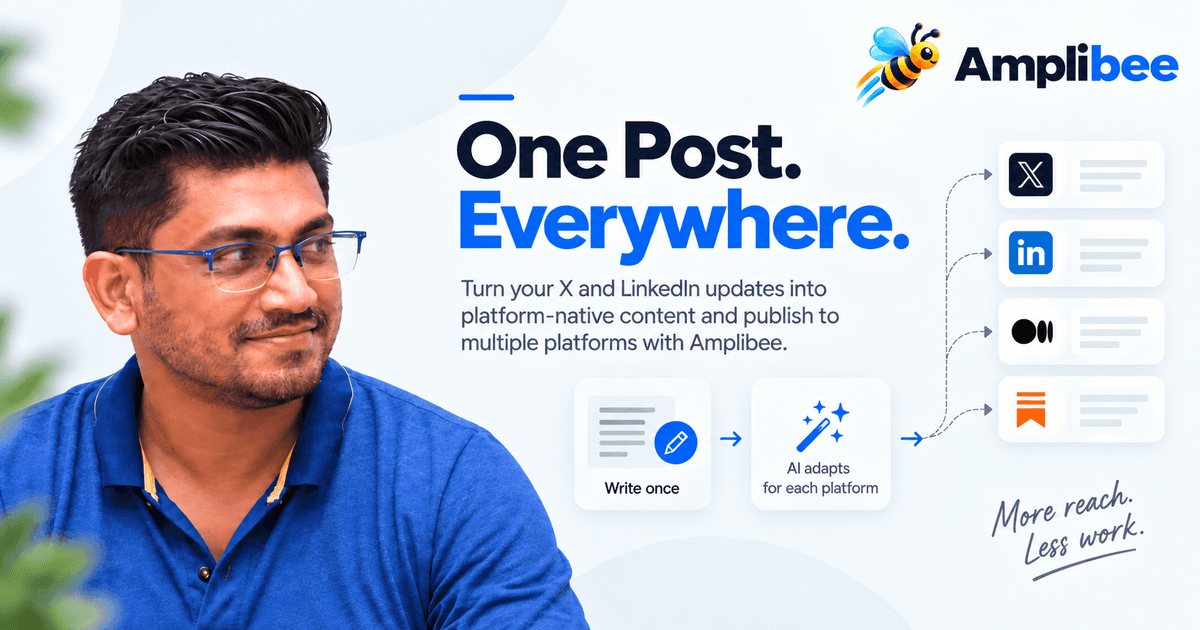
How to Automatically Post from X and LinkedIn to Multiple Platforms
Learn how to turn one post into platform-native content and automatically publish it across X, LinkedIn, and other social platforms with Amplibee.