
How to Automatically Post from X and LinkedIn to Multiple Platforms
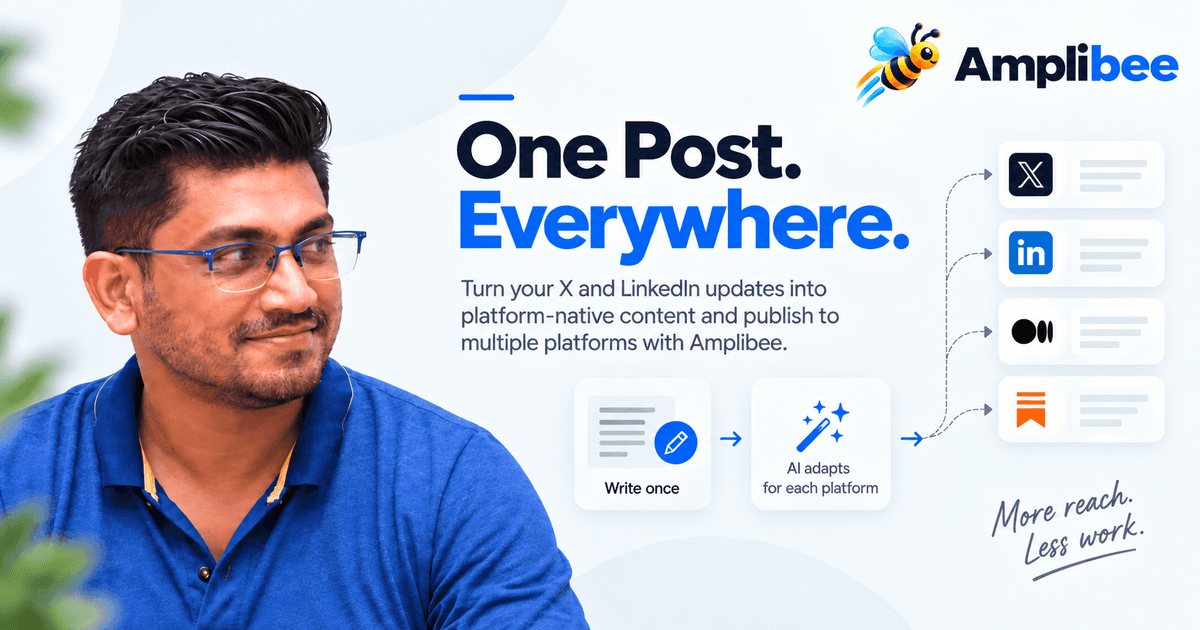
Learn how to turn one post into platform-native content and automatically publish it across X, LinkedIn, and other social platforms with Amplibee.
The short answer: you automatically post from X and LinkedIn to multiple platforms by writing your update once, letting a content-repurposing tool rewrite it into a platform-native version for each destination, then publishing all of those versions from a single dashboard instead of retyping the post everywhere by hand. Amplibee does exactly this — connect your accounts, write one source post, and it generates and schedules the X, LinkedIn, Medium, and Substack versions for you.
That's the whole idea in one sentence. The rest of this guide covers what "automatic" should actually mean (rewriting, not just duplicating), the exact steps to set it up, how it compares to posting manually, and the questions founders ask most before turning it on.
What does it mean to "automatically post" to multiple platforms?
Social media posting automation is software that takes one piece of source content and publishes it to several destinations — typically X, LinkedIn, and platforms like Medium or Substack — without you manually copying, reformatting, and pasting the same text into each app.
There are two very different ways tools do this, and the difference matters for engagement:
- Duplicate cross-posting — the same exact text (and hashtags) is blasted to every platform. Fast, but a 280-character X hook looks lazy on LinkedIn, and a casual tweet pasted into a newsletter has no structure.
- Platform-native automation — the source idea is rewritten into a version shaped for each platform's format, length, and tone, then published automatically. This is what Amplibee's content transformation engine does.
How to automatically post from X and LinkedIn to multiple platforms (step by step)
1. Connect your X, LinkedIn, and other destination accounts
Connect every account you want to publish to — including multiple accounts on the same platform if you post from both a personal profile and a company page. Each connection shows its own status, so you always know which accounts are actually ready to receive a post.
Action: Go to Dashboard → Accounts and connect X, LinkedIn, and any other destination (Medium, Substack) before writing your first post.
2. Write the source post once
Write the core idea a single time — a launch update, a feature announcement, a customer story, or an insight worth sharing. This becomes the single source of truth that every platform version is generated from, so facts, numbers, and quotes stay consistent everywhere.
Action: Draft one strong post instead of four half-finished ones — or use AI to write one for you with a one-shot prompt.
3. Let the platform-native rewrite happen automatically
This is the step that separates real automation from copy-pasting: the source post is rewritten into a version shaped for each destination — a short, conversational hook for X, a longer story with context for LinkedIn, a structured article with headings for Medium, a conversational newsletter voice for Substack. Your content profile (tone, audience, brand voice) applies automatically so every version still sounds like you.
Action: Review each generated draft and edit anything before it goes out — nothing publishes without your approval unless you explicitly turn that off.
4. Automatically publish (or schedule) to every destination
Once the versions are approved, publish immediately or schedule them from one place instead of switching between five browser tabs. Save the whole setup as a reusable workflow — source, destinations, tone, and approval mode — so the next update runs the same way with zero reconfiguration.
Action: Save your first source-to-destinations setup as a workflow so repeat posting takes one click, not a rebuild.
How the AI actually converts one post into several
The content transformation engine doesn't just shorten or reword your text — it reads the source post plus your saved content profile (tone, audience, brand voice, formality, words to avoid) and generates a version shaped for each destination's format: a tight, hook-driven post for X; a longer, personal-angle story for LinkedIn; a structured article with headings for Medium; a conversational newsletter voice for Substack.
- The source post stays the single source of truth — the engine doesn't invent facts, numbers, or quotes that weren't in the original.
- Your content profile applies automatically, so generated drafts sound like your voice instead of a generic AI tone.
- Every generated version lands in the composer as an editable draft — nothing publishes until you approve it, and manual edits are saved back before it goes out.
- Need a smaller change instead of a full regeneration? Quick edits — shorten, expand, improve the hook, add a CTA — apply on top of your current draft without discarding it.
Bring your own AI key (BYOK)
Amplibee doesn't resell AI tokens. Every rewrite runs on your own OpenAI, Anthropic, or OpenRouter API key, connected once under Settings → AI Providers, so you're billed directly by your provider at their rates and can pick whichever model fits your budget and quality bar.
- Keys are encrypted with AES-256-GCM before they're stored, and are only decrypted server-side at the moment a generation request actually needs to be made — the raw key never touches your browser.
- Test a connection before saving it, switch providers or models at any time, and mark one provider as the default new workflows pick up automatically.
- Settings only ever shows a masked version of a saved key, never the full value.
| Task | Posting manually | With social media posting automation |
|---|---|---|
| Writing for each platform | Rewritten by hand, 4+ times | Generated automatically per platform |
| Time per launch update | 30–60+ minutes | Under 5 minutes to review and approve |
| Tone consistency | Drifts between platforms | Applied from one saved content profile |
| Publishing | One tab per platform | One dashboard, scheduled or instant |
| Repeat posts | Redo the whole process | Reuse a saved workflow |
Why platform-native beats duplicate cross-posting
X rewards a tight hook. LinkedIn rewards context and a personal angle. Medium and Substack reward structure and depth. Posting the identical paragraph everywhere ignores all of that, and readers notice — we go deeper on this in "One post shouldn't mean six rewrites". The goal of automation isn't to publish more; it's to reach people in the format that actually works on the platform they're already using.
Get the next post
Tactics like this one, sent when we publish — no spam, unsubscribe anytime.
Where Amplibee fits — and who it's for
Amplibee is a social media automation and content-repurposing platform built for SaaS founders, indie hackers, and small marketing teams who need to show up consistently on X and LinkedIn without spending an hour rewriting the same update for every platform. A few situations where teams turn it on:
- Product launches — write the launch announcement once and publish X, LinkedIn, Medium, and Substack versions the same day, each carrying an auto-generated backlink back to your launch page.
- Product Hunt day — post a single update and reuse a saved workflow to push variants across every account the moment you go live, instead of rewriting under time pressure.
- Weekly build-in-public updates — indie hackers running a regular cadence save the setup once as a workflow and reuse it every week with zero reconfiguration.
- Founders posting from multiple accounts — a personal X/LinkedIn account plus a company page, handled through multiple accounts per platform in the same workflow.
- Turning long-form into social — a blog post or changelog entry becomes the source, and the engine generates the shorter platform-native versions instead of you manually excerpting it.
It works whether you're announcing a single product launch or maintaining a weekly posting cadence, and every generated post can carry a backlink back to your product with anchor text and UTM parameters you control. See the full feature list or pricing to get started.
Frequently asked questions
Can I automatically post the same content to X and LinkedIn?
Yes, but publishing identical text on both usually underperforms. Amplibee takes one source post and generates a short, hook-driven version for X and a longer, context-rich version for LinkedIn, then publishes both automatically from the same workflow.
What's the difference between cross-posting and social media posting automation?
Cross-posting typically means copying the same text to every platform. Posting automation, as Amplibee implements it, rewrites the source post into a platform-native version for each destination before publishing, so the format fits the platform instead of just duplicating text.
Does automating my posts hurt engagement compared to posting manually?
Not when the automation adapts content per platform instead of duplicating it. Engagement typically drops when the same generic text is blasted everywhere — not because the post was automated, but because it wasn't shaped for the platform it landed on.
Which platforms can I publish to automatically with Amplibee?
Amplibee currently supports X, LinkedIn, Medium, and Substack, with support for multiple accounts per platform, so you can publish from a personal profile and a company page in the same workflow.
Is social media automation worth it for a solo founder?
For a solo founder or small team, automation mainly buys back time: instead of manually rewriting and posting to each platform, you write once, review the generated versions, and publish everywhere from one dashboard — without giving up review control over what actually goes out.
Do I need my own OpenAI or Anthropic API key?
Yes — Amplibee runs on your own OpenAI, Anthropic, or OpenRouter API key rather than reselling AI tokens. You connect it once under Settings → AI Providers; it's encrypted at rest and only decrypted server-side when a generation actually runs.
Related posts
View all posts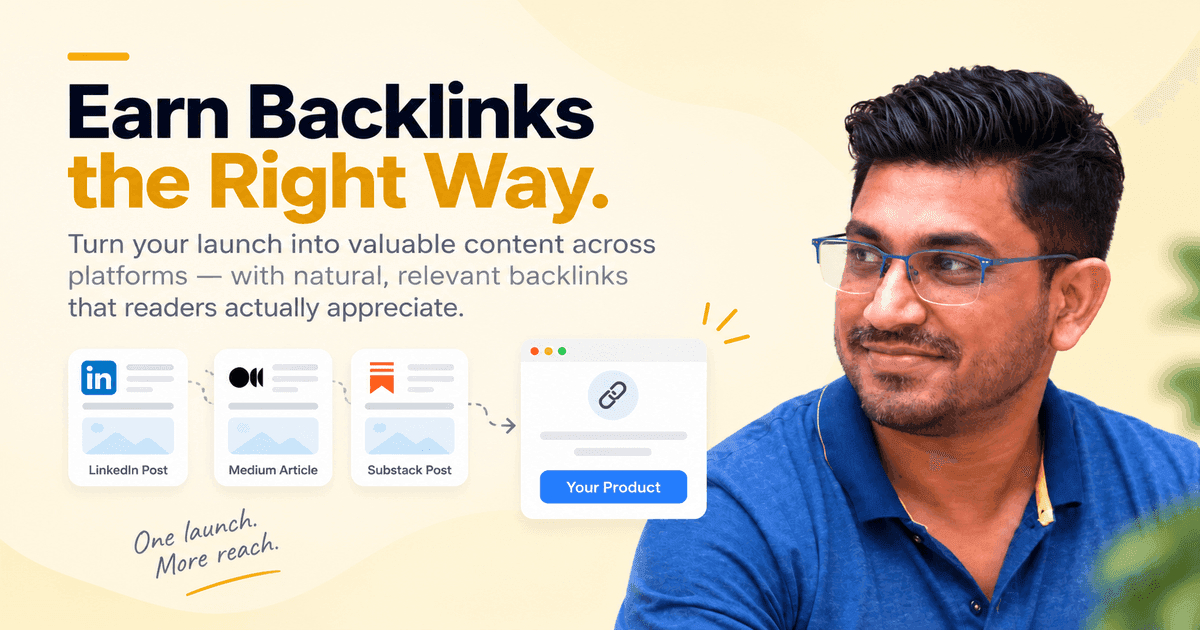
Marketing
Backlinks without being spammy
Auto-generated content that links back to your launch only works if it reads like something a person actually wanted to write. Here's how we approach it.
Growth
How to Get Your First 10 Paying Users: A Step-by-Step Playbook for B2B and B2C SaaS Founders
Why the first ten matter more than the next ten thousand - and exactly how to find them.
Read our features
View all features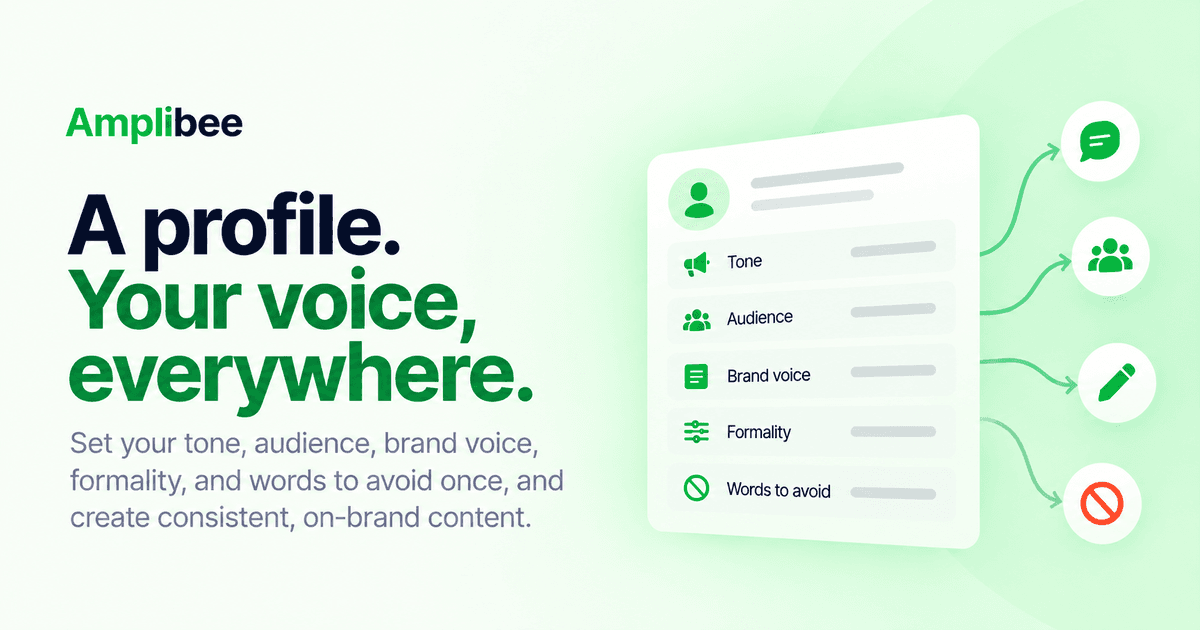
Feature
Content profiles
Set your tone, audience, brand voice, formality, and words to avoid once. Save it as a reusable profile so every generated post sounds like you, not a generic AI voice.
Feature
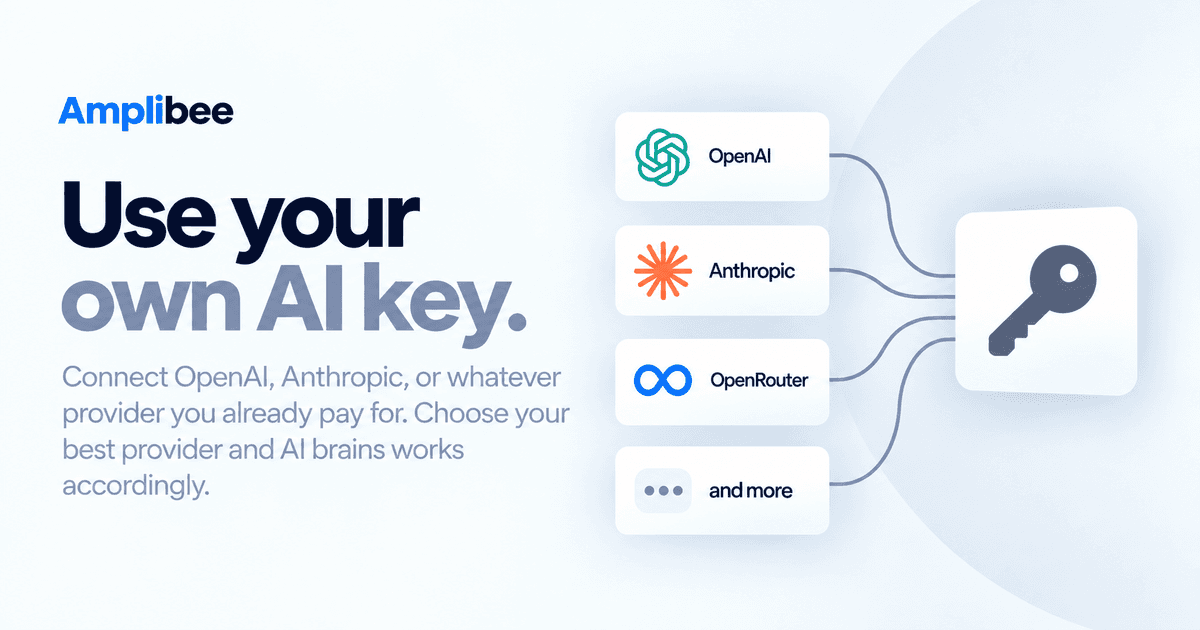
Bring your own AI key
Connect OpenAI, Anthropic, or OpenRouter with your own API key. Keys are encrypted at rest and never touch the browser. Pick a default provider and model per profile.