
Workflows
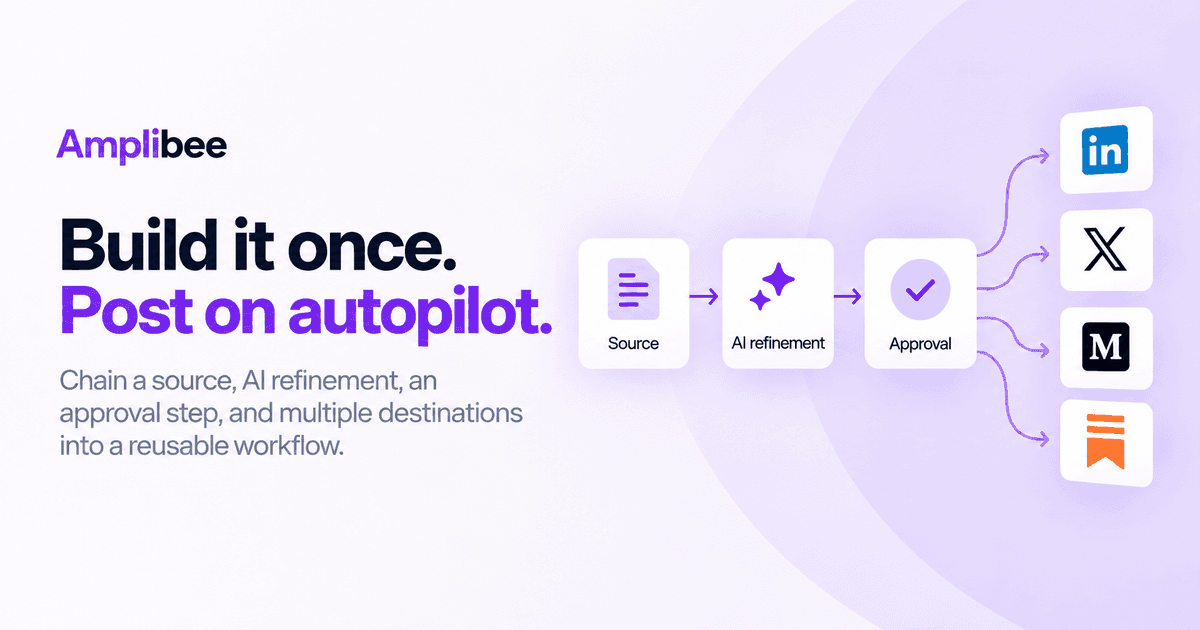
Chain a source, AI refinement, an approval step, and one or more destinations into a reusable workflow — manual approval or automatic, immediate or scheduled.
A workflow is a saved pipeline: pick a source (an account or input type), one or more destination platforms and accounts, a content profile for the AI rewrite, and an approval mode — manual or automatic.
Once it's set up, running the workflow again doesn't require reconfiguring anything. New source content flows through the same destinations with the same tone and the same approval step every time.
You choose whether each workflow publishes immediately, on a schedule, or only ever creates drafts for you to publish by hand — the workflow doesn't decide that for you. See pricing for plan limits on active workflows.
Frequently asked questions
What's the difference between a workflow and just scheduling a post?
Scheduling a post sets a time for one piece of content. A workflow saves the whole pipeline — source, destinations, content profile, and approval mode — so the next update runs through the same setup without you rebuilding it.
Can I reuse the same posting setup every week without rebuilding it?
Yes — that's what a saved workflow is for. New source content flows through the same destinations, tone, and approval step every time you run it.
Can a workflow auto-publish without me approving each post?
Only if you explicitly turn on automatic approval for that workflow. By default, workflows require manual approval before anything goes out.
Can I schedule posts for later instead of publishing immediately?
Yes — each workflow can publish immediately, on a schedule, or only create drafts for you to publish by hand; you decide per workflow.
Related features
View all features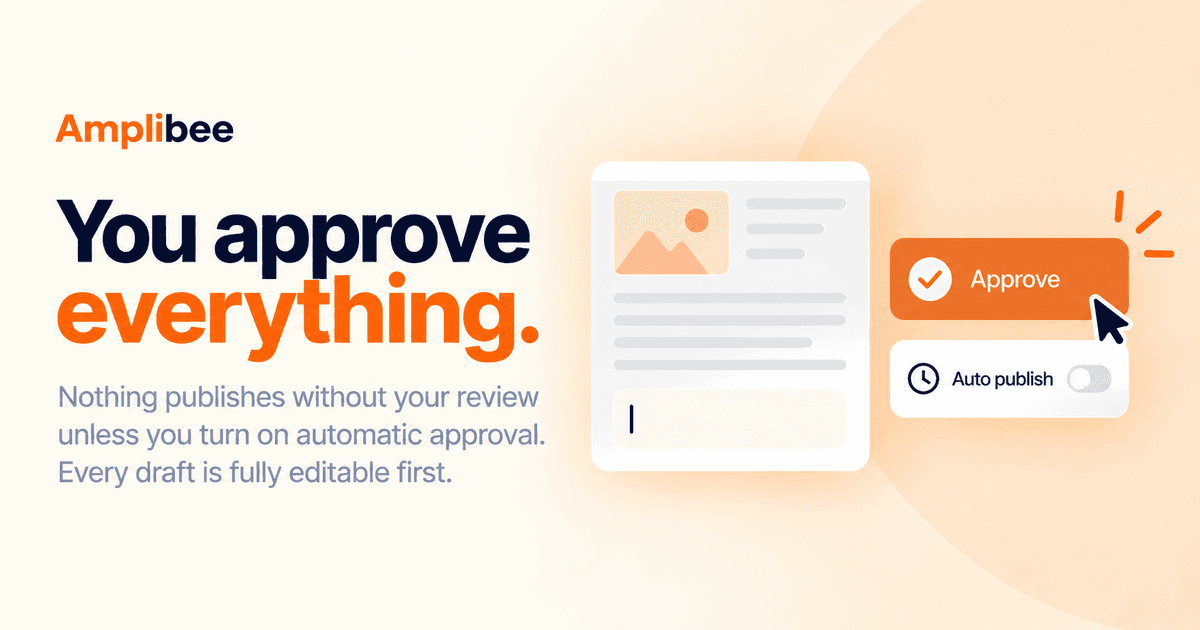
Feature
You approve everything
Nothing publishes without your review unless you explicitly turn on automatic approval. Every generated draft is fully editable first.
Feature
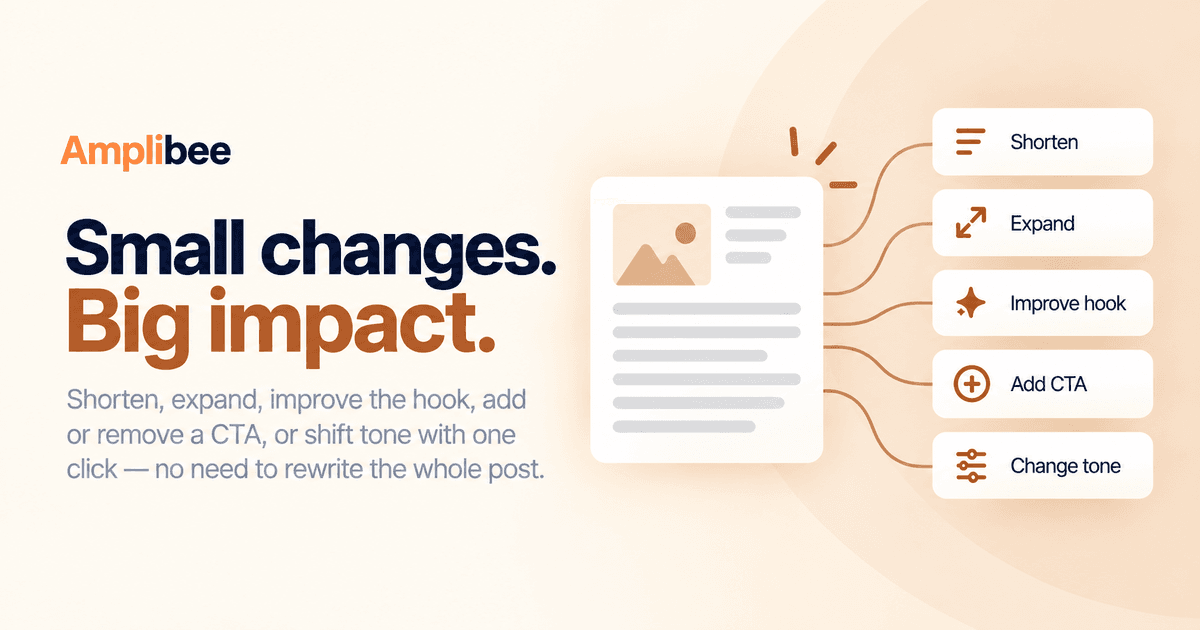
Quick edits, not full rewrites
Shorten, expand, improve the hook, add or remove a CTA, or shift tone with one click — instead of regenerating the whole post from scratch.
Read our blogs
View all posts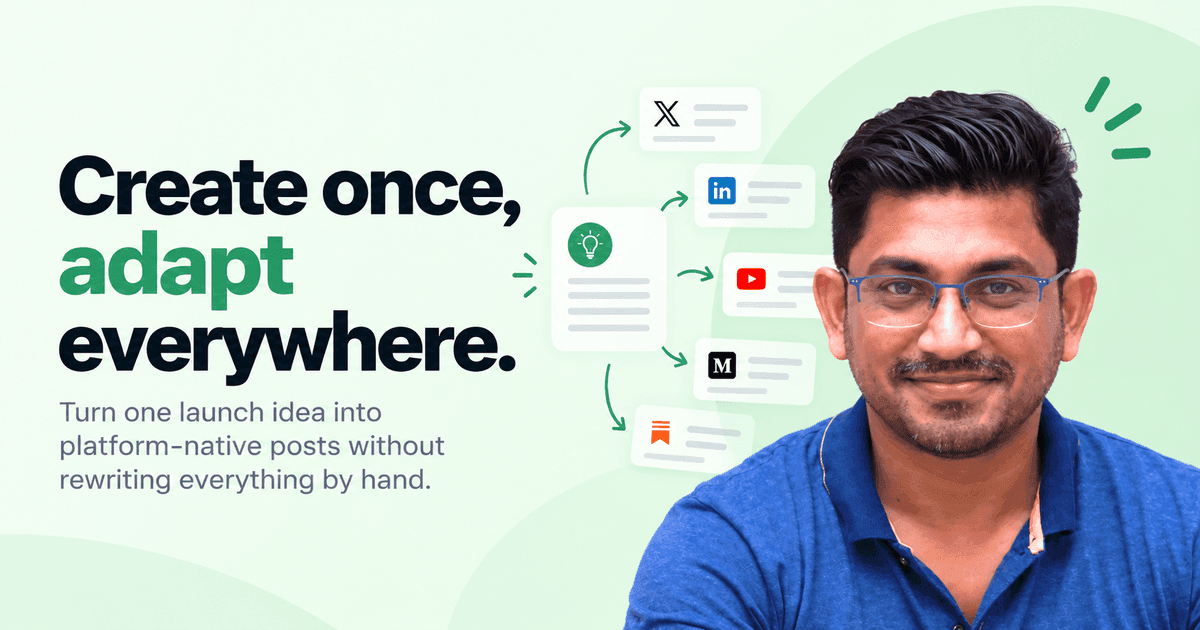
Product
One post shouldn't mean six rewrites
Why we built Amplibee around adapting content per platform instead of duplicating it, and what 'platform-native' actually means in practice.
Growth
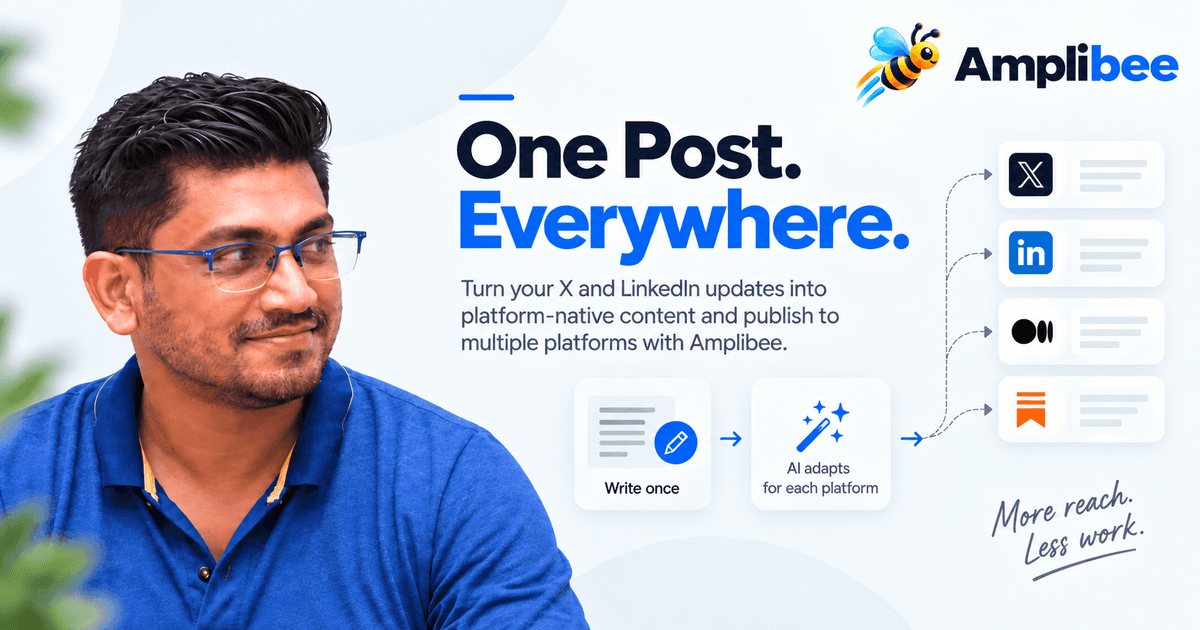
How to Automatically Post from X and LinkedIn to Multiple Platforms
Learn how to turn one post into platform-native content and automatically publish it across X, LinkedIn, and other social platforms with Amplibee.