 Amplibee
Blog
Where to list a new SaaS
Which directories and communities are worth an hour of a founder's time, and how to fill in each listing.
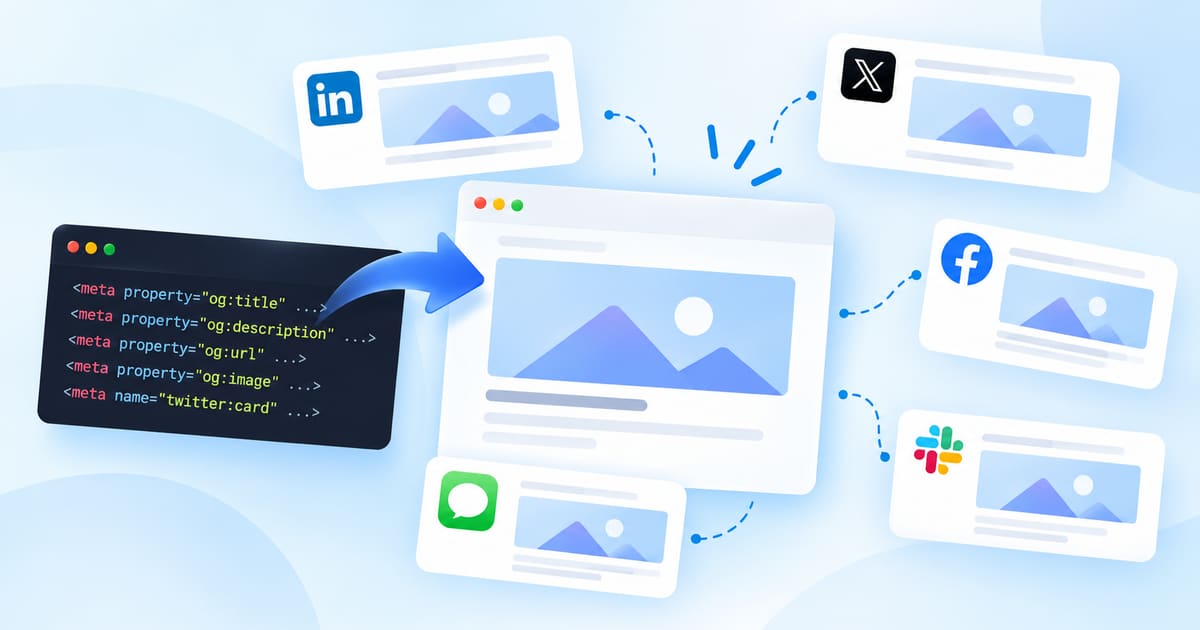
Open Graph is a set of meta tags that tell other sites how to show your page when it is shared. The image is the part people notice most.
An OG image is the picture in the preview card that appears when someone shares your link on LinkedIn, X, Slack or a messaging app. You set it with an og:image meta tag in the page head, defined by the Open Graph protocol. Without one, many apps show a blank card or pick whatever image they find.
Use 1200 by 630 pixels, a ratio of about 1.91 to 1, as a JPEG or PNG, and keep text and logos away from the edges because apps crop. Meta's sharing documentation recommends at least this size for large link previews. Serve the file over HTTPS at an address that does not need a login.
Keep the file small. A preview image that is slow to fetch can be skipped by the app that requested it.
Set og:title, og:description, og:url and og:image. For X, add twitter:card with the value summary_large_image so the large image shows. Use absolute URLs, not relative paths. Then test by pasting your link into a private message to yourself, because each app caches previews.
<meta property="og:title" content="Acme: invoices that chase themselves">
<meta property="og:description" content="Send invoices and chase late payers.">
<meta property="og:url" content="https://acme.example/">
<meta property="og:image" content="https://acme.example/og.png">
<meta name="twitter:card" content="summary_large_image">Apps cache previews, often for days. Use each platform's own debugging or preview tool to ask for a fresh fetch, or share the link with a harmless query string added. Amplibee reads the live tags and requests the image address, so a fixed page shows as fixed the next time you run the check.
Which directories and communities are worth an hour of a founder's time, and how to fill in each listing.

How ChatGPT decides which products to recommend, and five steps that make yours more likely to be named: crawler access, a clear page, listings, mentions and answers to buyer questions.

Amplibee runs the page checks that search engines, answer engines and link previews depend on, and says what to change for each one that fails.
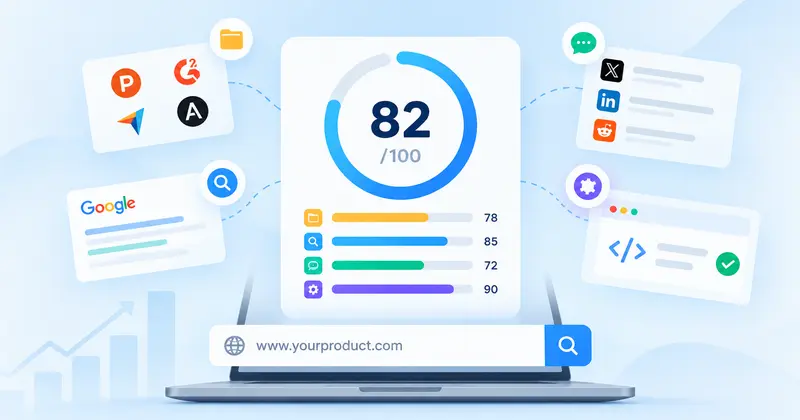
Enter your website and get a score out of 100 for how visible your product is. It is built from directories, search, mentions and page basics, with every gap named.
Compare with your competitors and improve your brand visibility.
Submit your product