 Amplibee

What is iSave Video?
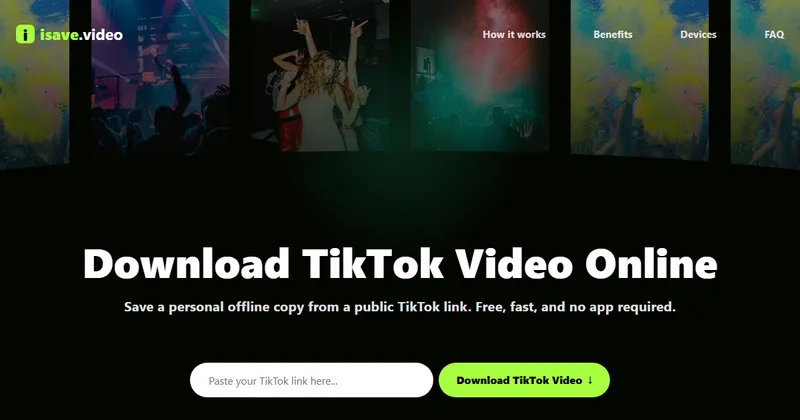
iSave Video is a website that saves a public TikTok video to your device as an MP4. You paste the video link and download the file, with no sign-up.
The site says it is an independent tool and is not affiliated with or endorsed by TikTok or ByteDance.
How do I download a TikTok video?
Copy the video link in TikTok, paste it into iSave Video and click download.
- Open TikTok and tap Share on the video
- Choose Copy Link
- Paste the link into the box on isave.video
- Click Download and save the MP4 the page prepares
Does it remove the watermark?
It provides a watermark-free version only when one is available for the public link. The site does not promise one for every video.
What are the limits?
It supports TikTok only, and only public videos. Private accounts and restricted videos are not supported.
The site says downloads are for personal, offline use. Download only content you own or have permission to use, and follow copyright law and TikTok’s terms.
Is it free and private?
It is free and needs no account. The site says it uses HTTPS and does not store the links you paste or the files you download.
Alternatives to iSave Video
You can save a TikTok video with a third-party site or with the app itself. The main differences are watermarks, formats and how much you have to install or sign up for.
- SnapTikA web tool for downloading TikTok videos.snaptik.app ↗
- SSSTikA web tool for saving TikTok videos and audio.ssstik.io ↗
- TikTok Save videoThe download option inside TikTok, when the creator allows it.tiktok.com ↗
How iSave Video compares
| Option | Best for | Trade-off |
|---|---|---|
| iSave Video | Quickly saving a public TikTok video as an MP4 from any browser, with no account | TikTok only, MP4 only, and a watermark-free file is not guaranteed |
| SnapTik | A similar paste-and-download flow | Features, ads and limits differ, so check the site |
| SSSTik | People who also want audio | Features, ads and limits differ, so check the site |
| TikTok Save video | Saving videos from within the app | Adds a TikTok watermark and depends on the creator’s settings |
iSave Video is a fit when you want a quick MP4 of a public TikTok from any device with nothing to install. If you rely on audio-only files or other platforms, check what each alternative offers.
Questions people ask about iSave Video
What is iSave Video?
A free online tool that saves a public TikTok video to your device as an MP4.
Do I need an account or an app?
No. The site says it needs no account, subscription, app, plugin or software.
Is iSave Video free?
Yes. The site mentions no paid plans.
What file format do I get?
An MP4 file. The site lists no other formats.
Does it download without a watermark?
It gives a watermark-free version when one is available for that public link.
Can it download from private accounts?
No. Private accounts and restricted videos are not supported.
Can I use downloaded videos commercially?
Only if you own the video or have permission from the rights holder, according to the site.
What are the alternatives to iSave Video?
SnapTik, SSSTik and TikTok’s own Save video option are other ways to save a TikTok. They differ in output, limits and ads.